Start by confirming that your computer meets the system requirements. You can review them on Match - PC Requirements
To install the Fusion Drive application, you can download the installer directly using the link below:
https://fusiondrivecloud.com/shared/updates/setup/Setup.msi
You may click the link or copy and paste it into your internet browser to begin the download.
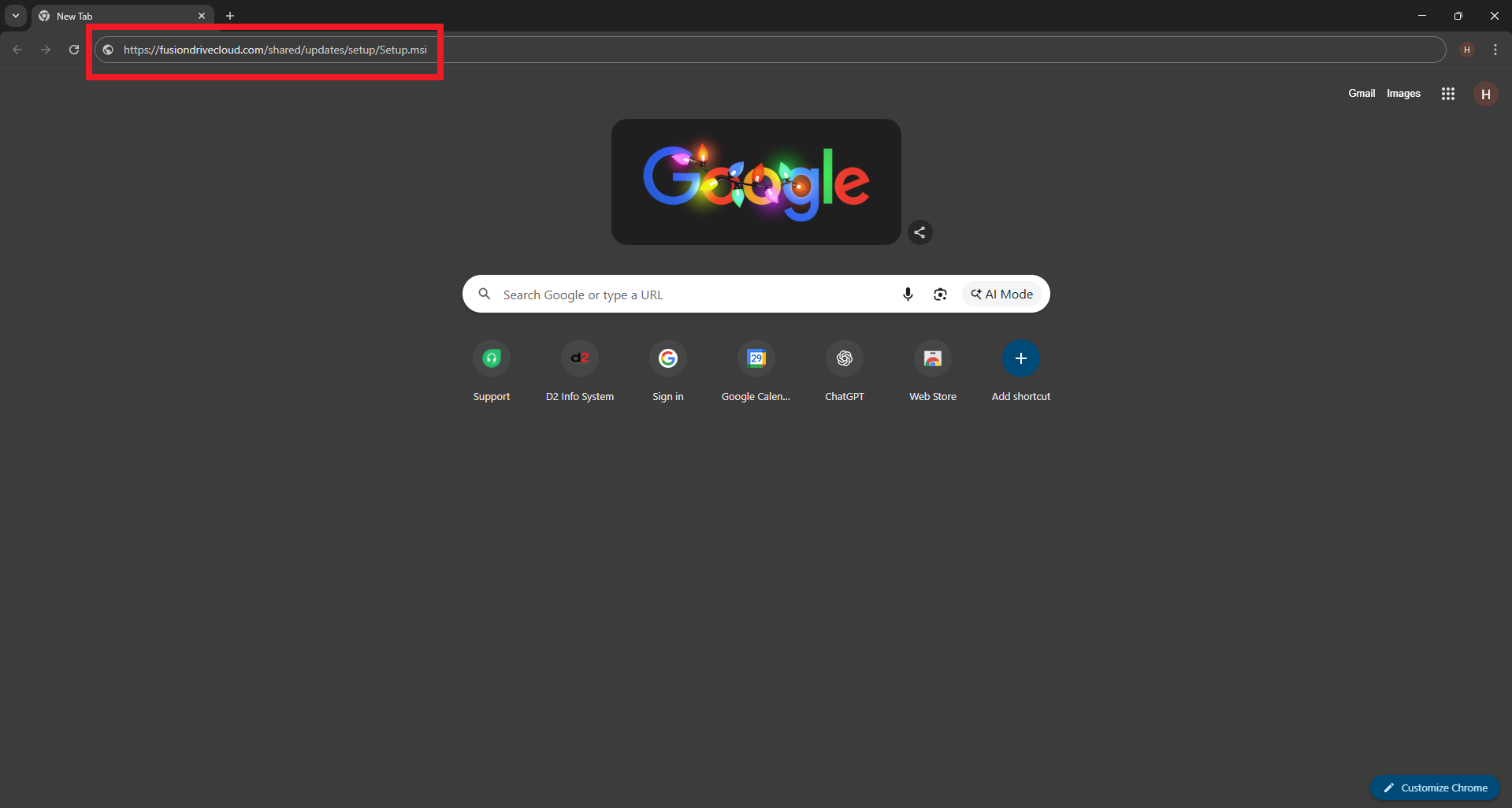
1. Locate the Downloaded File
After the download starts, you can access the installer in one of the following ways:
Click the Downloads icon in your browser and select the downloaded file and you can go to Step 2.


Click Show in folder to open the Downloads directory.

Alternatively, open the Windows Start Menu, type “Downloads”, and open the Downloads folder.
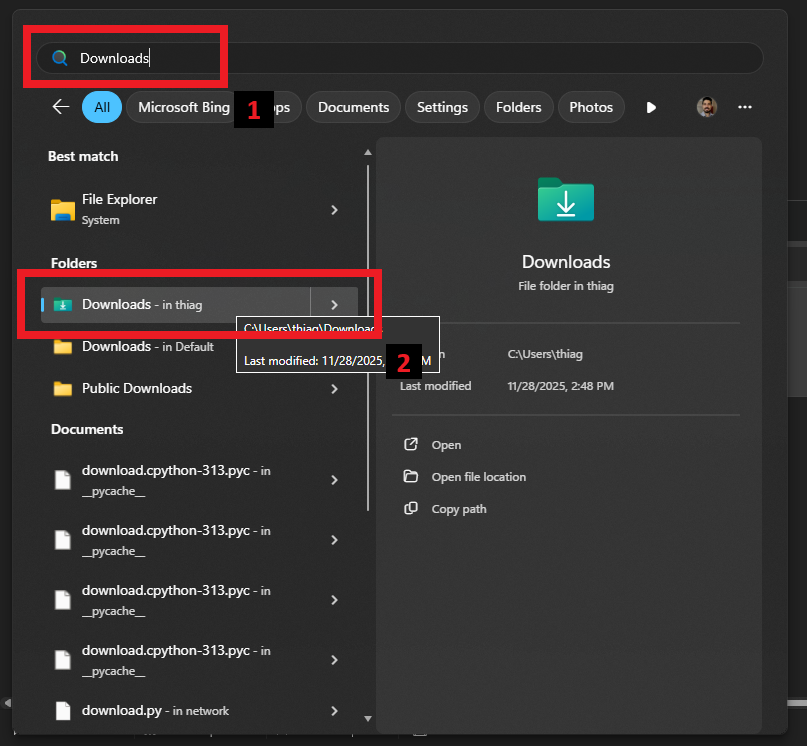
Inside the folder, you’ll find the installer file (Setup.msi). You can double-click on it or right-click it and select Open to start the installation.
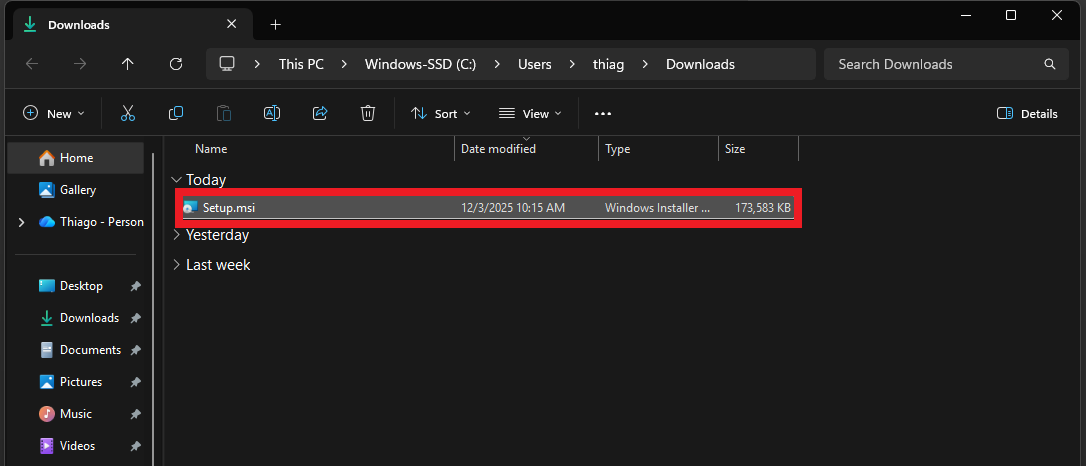
2. Installation Steps
The installation process is straightforward:
1. Click Next.
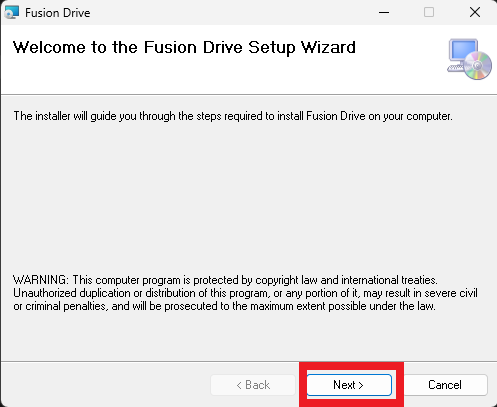
2. Click Next once more to confirm the installation path.
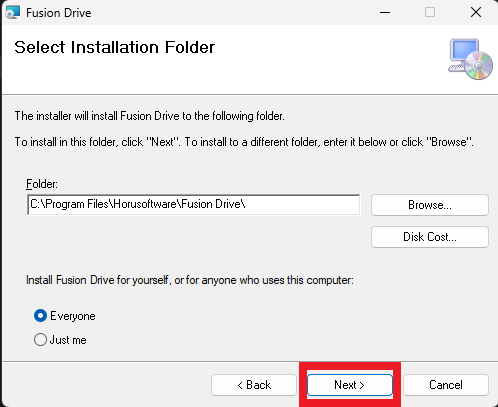
3. Click Next again.
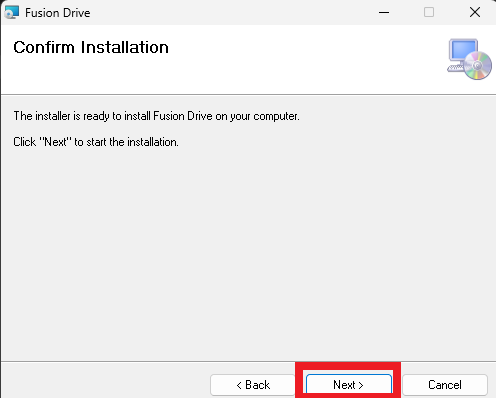
4. Wait for the installation progress bar to complete.
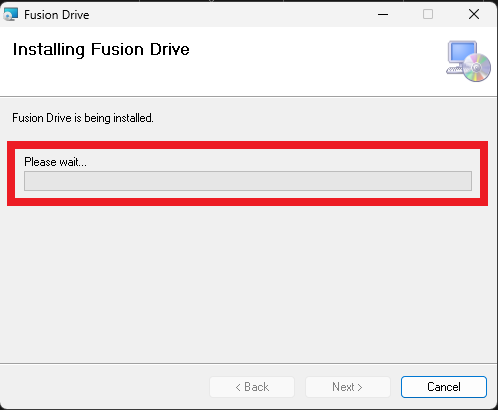
5. Once finished, click Close.
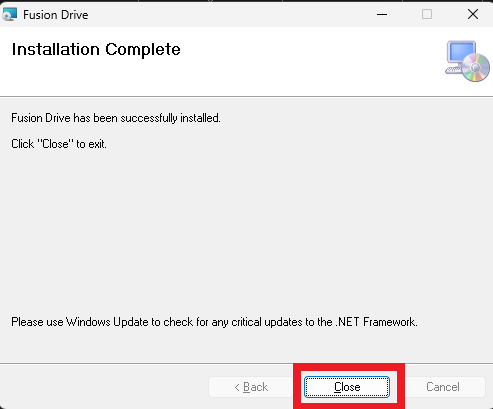
The application is now installed.
3. Opening Fusion Drive
You can start Fusion Drive using one of the following methods:
Double-click the Fusion Drive icon on the Desktop.
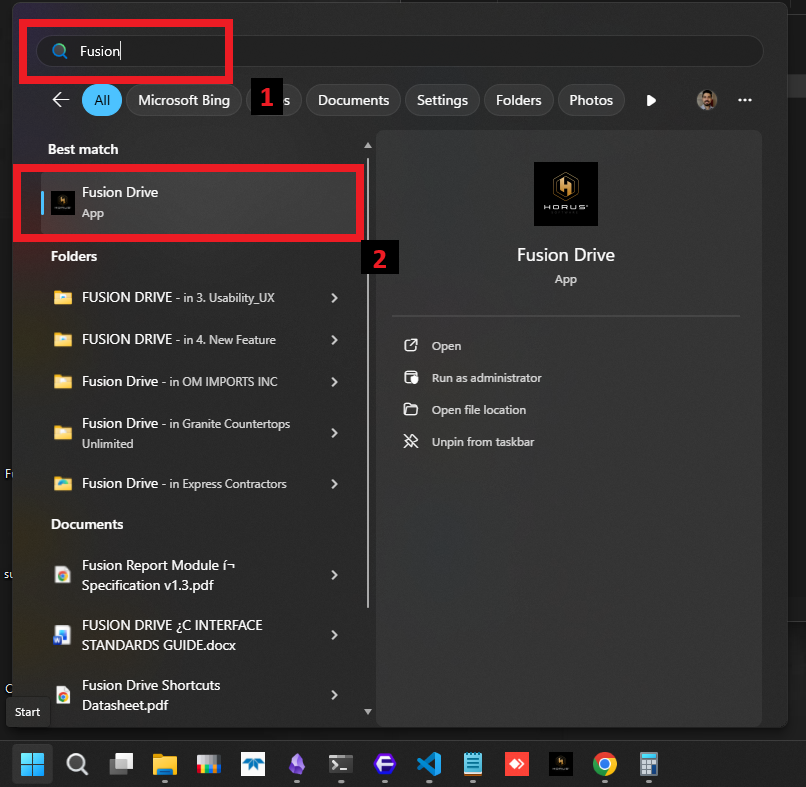
Open the Windows Start Menu, search for “Fusion Drive”, and select the application.
4. Important Step – Apply Updates
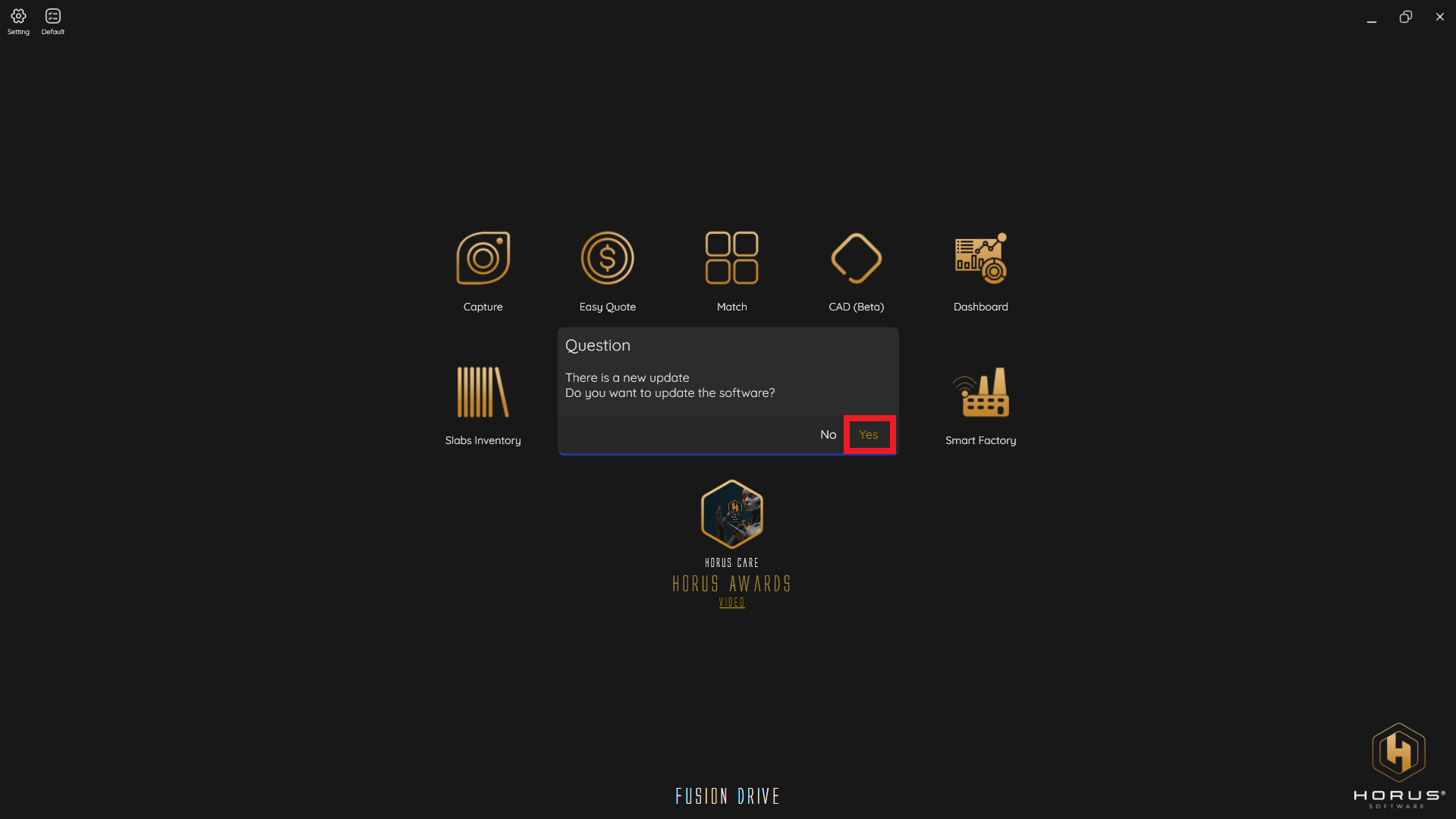
When Fusion Drive opens, the application will display an Update Available message.
Always click Yes to ensure the system is fully updated and avoid future issues.
5. Final Notes
Once updated, Fusion Drive is ready for use.
If you need assistance during installation or encounter any issue, our team is available to help.
After that, it is all good and settled up to start using our Fusion Drive.
https://horusoftware.freshdesk.com/support/home
You could also find useful documentation on our Horus Care - Training
Was this article helpful?
That’s Great!
Thank you for your feedback
Sorry! We couldn't be helpful
Thank you for your feedback
Feedback sent
We appreciate your effort and will try to fix the article